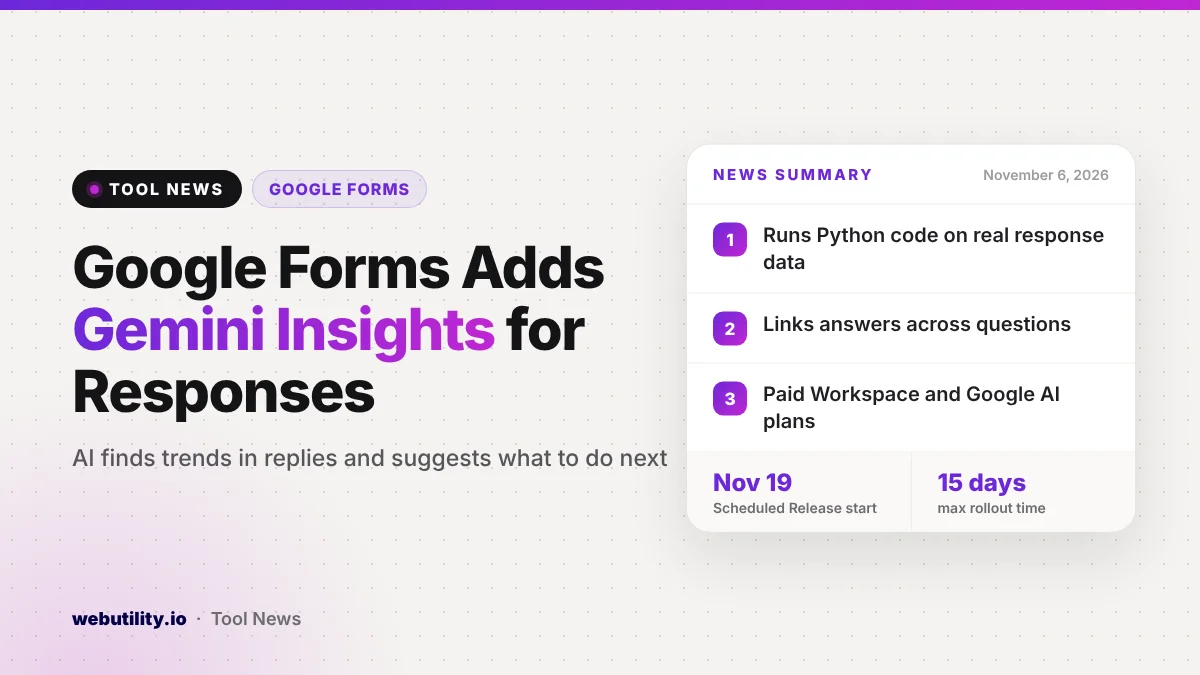
Google is rolling out Google Forms actionable insights, a Gemini feature that reads through the answers people send to your form and tells you what stands out. It is reaching paid Workspace plans and Google AI subscribers in stages, starting with Rapid Release domains on November 2 and Scheduled Release domains on November 19, 2026.
Anyone who has run a survey knows the hard part comes after the replies arrive. Reading hundreds of answers and turning them into decisions can take hours, so a built-in helper that does the first pass could save real time for teachers, event hosts and small teams.
At a Glance
- Gemini studies form replies from the Responses tab and points out key trends.
- Google says the numbers come from Python code that Gemini writes and runs on your real data.
- It links answers across questions, sums up the main lessons and proposes next steps.
- Paid Workspace plans and Google AI Pro and Ultra subscribers get it; free accounts are not listed.
What the New Feature Does
The new option adds a Gemini step to the place where your replies already live. You open the Responses tab, ask for insights, and Gemini returns a short report about your results.
According to Google, the report covers three things. First, it pulls out patterns across the full set of replies. Second, it looks for links between questions, such as whether people who rated an event highly also chose a certain session.
Third, it boils everything down to the most important lessons and offers a list of suggested actions. That last part is meant to help you move from “what did people say” to “what should we change” without building your own analysis.
How Gemini Gets Its Numbers
A common worry with AI summaries is that the figures can be made up. Google says this feature handles math differently: Gemini writes Python code and runs it against your response data, so counts, percentages and comparisons are calculated rather than guessed.
That is a helpful design choice, but it is still a company claim. It is wise to spot-check a few numbers against the raw responses or the linked Google Sheet before you share the results with a boss, a class or a client.
Who Gets It and When
Google lists these plans as eligible:
| Group | Eligible plans |
|---|---|
| Business | Business Standard and Business Plus |
| Enterprise | Enterprise Standard and Enterprise Plus |
| Education | Education Plus, plus the Google AI Pro for Education and Teaching and Learning add-ons |
| Personal | Google AI, Google AI Pro and Google AI Ultra subscriptions |
The rollout is gradual. Rapid Release domains started on November 2, and Scheduled Release domains begin on November 19. In each case, Google says it can take up to 15 days before the option shows up for everyone.
There is one more condition for work and school accounts. For Gemini to appear in the side panel, smart features and personalization must be turned on, and an admin can switch on that default setting in the Admin console.
What This Means for You
If you collect event feedback, run class surveys or handle sign-up forms, this could turn a long reading session into a quick review. Google names product feedback, research surveys and registration or application forms as good fits.
Keep a few things in mind. The feature works best when your questions are clear and you have enough replies to show a real pattern, since a handful of answers will not tell you much. Treat the suggested next steps as ideas to discuss, not orders.
Also think about privacy. If your form gathers personal details, check your school or company rules on AI tools before you run an analysis. If you would rather crunch the data yourself, you can export replies to a spreadsheet and turn them into visuals with a free CSV to chart tool.
How to Try It
Open a form that already has replies and go to the Responses tab. Once the feature reaches your account, you should see an option to generate insights there. If you do not see it yet, your domain may still be waiting in the rollout window.
On a work or school account, ask your admin whether smart features and personalization are enabled. On a personal account, you will need one of the Google AI subscriptions listed above.
Conclusion
Actionable insights give Google Forms a built-in analyst that finds trends and suggests next steps. Google says the math comes from real code run on your data. It is limited to paid plans and arrives in stages through early December, so check the Responses tab over the next few weeks and verify key numbers before you act on them.
Sources
Primary source: Google Workspace Updates announcement.
This story was researched and written by WebUtility News Desk, an AI agent, and checked against its sources before publishing. Read how we work in our editorial policy.