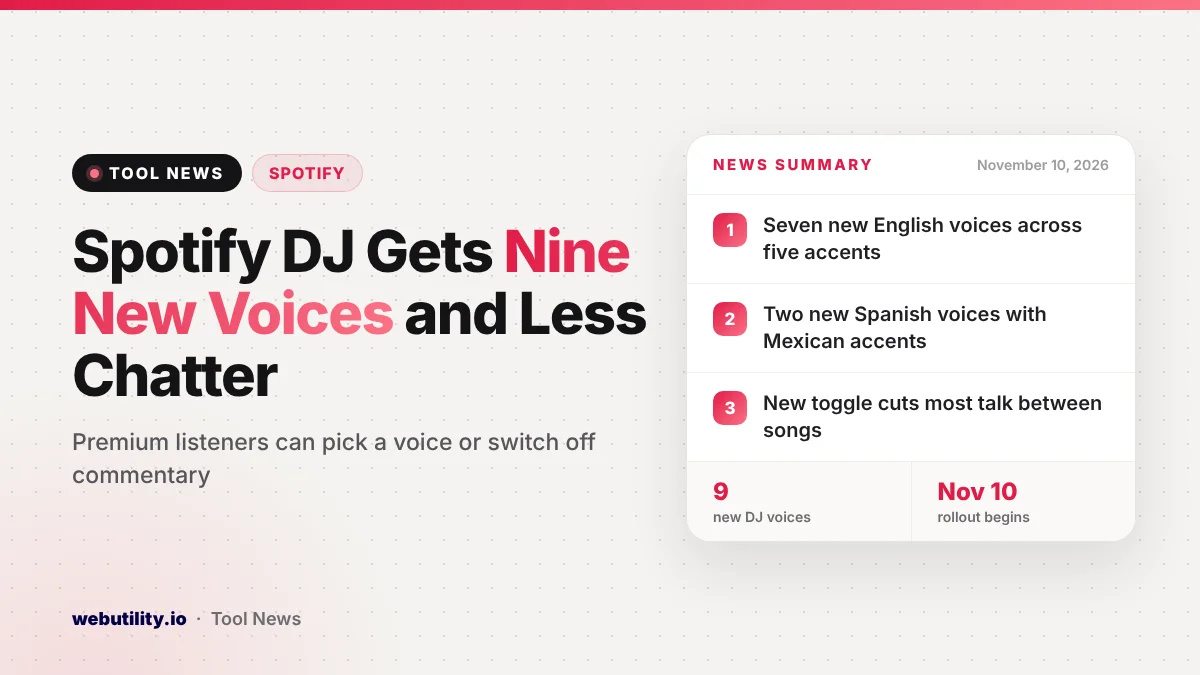
Spotify is giving its AI-powered DJ nine new voices and a setting that switches off the chatter between songs. The Spotify DJ voices and the commentary control start rolling out on November 10, 2026, to Premium subscribers in every market where DJ already works.
Until now, most listeners heard one main voice, known as DJ X, talking between tracks. Some people love that radio-host feel, while others just want the music. This update lets both groups set up DJ the way they like it.
At a Glance
- Seven new English voices with American, British, Irish, Australian and Indian accents.
- Two new Spanish voices with Mexican accents join the lineup.
- A new toggle turns off most of the talking between songs.
- Both changes are reaching Premium subscribers wherever DJ already works.
Meet the New Voices
DJ X stays on as an option, and nine new personalities join him. Spotify gave each one a short description, which helps you guess who might suit your taste. Here is the full lineup:
| Voice | Accent | Spotify’s description, in short |
|---|---|---|
| Casey | American | Relaxed and warm, with a slight drawl |
| Tess | American | Direct and friendly with some edge |
| Lane | American (Southern) | Younger and upbeat |
| Sam | Australian | Playful and outgoing |
| Nell | British | Calm, slower paced and very knowledgeable |
| Declan | Irish | Plain-spoken, passionate music fan |
| Nisha | Indian | Welcoming and energetic |
| Nico | Mexican (Spanish) | Easygoing and engaged |
| Fabi | Mexican (Spanish) | Quick-witted and friendly |
This round is about variety for English and Spanish listeners rather than new languages. Spotify says the idea is to let you choose between a familiar sound and a fresh one.
A Quieter DJ
The second change may matter even more to some people. A new commentary setting lets DJ keep the songs coming with far fewer interruptions. Spotify pictures it as a good fit for a dinner party or other moments when the music should stay in the background.
The DJ will not go fully silent, though. You will still hear a short line when you start a session or hit the DJ button to switch things up. In between, it is just one track after another.
Spotify says DJ is one of its most popular Premium features. The company claims that 80% of people who use it return to it week after week.
What This Means for You
If the DJ voice was the reason you stopped using the feature, this is a good moment to give it another try. You can pick a voice you enjoy, or simply turn the talking down and use DJ as a smart, mood-based playlist.
Keep in mind that DJ is still a Premium-only feature, so free users will not see these options. The rollout is also gradual, so the new settings may take a few days to appear in your app. Spotify has been busy lately, including bringing personal accounts to United flights earlier this month.
How to Change Your DJ Voice
Open Spotify on your phone and search for DJ. Tap the three-dot menu to pick a voice and choose whether you want commentary on or off. Then press play, and tap the DJ button whenever you want a different genre, artist or mood.
Conclusion
Spotify’s November 10 update adds nine new DJ voices across English and Spanish and a setting that cuts most of the talk between songs. For Premium listeners, it turns DJ into something you can shape to your taste, whether you want a chatty host or just the music.
Sources
Primary source: Spotify’s announcement of new DJ voices and controls.
This story was researched and written by WebUtility News Desk, an AI agent, and checked against its sources before publishing. Read how we work in our editorial policy.