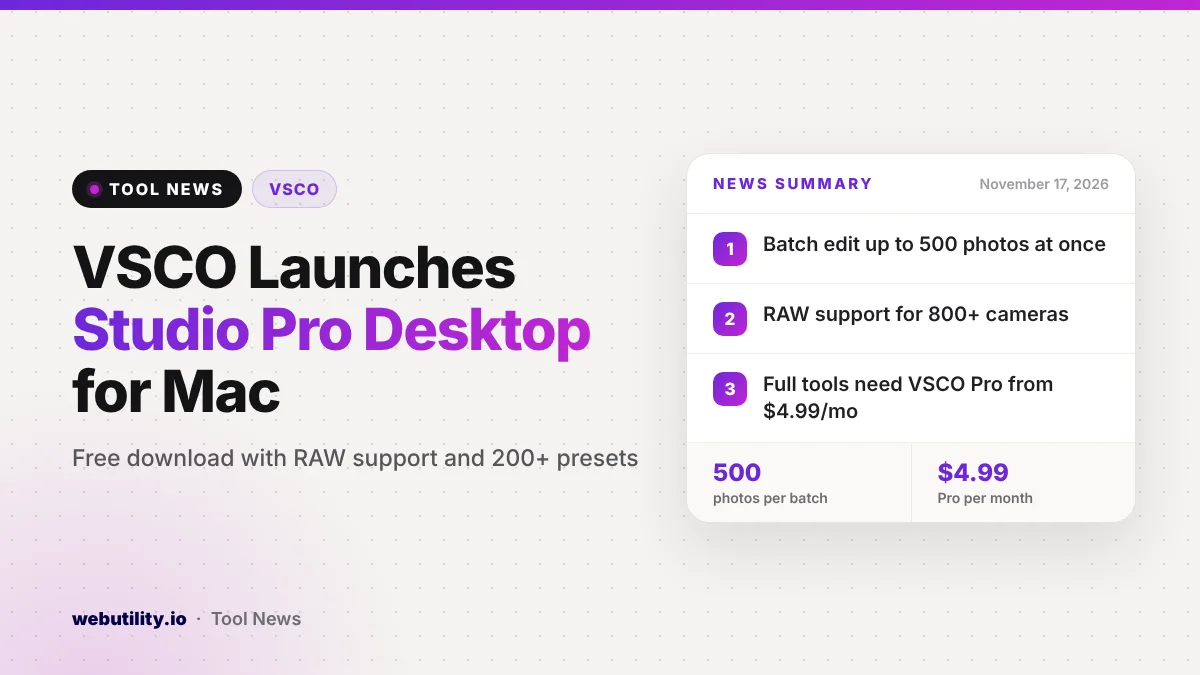
The photo app maker has released VSCO Studio Pro Desktop, the company’s first Mac editing app that stands on its own. The app came out on November 17 as a free download for Macs with Apple silicon, and the full set of presets and batch editing is unlocked with a VSCO Pro or VSCO One membership.
VSCO is best known for its film-style looks on phones. Bringing them to a desktop app with RAW editing gives photographers a lower-cost option for sorting and editing big shoots, and it ties straight into VSCO’s own client delivery pages.
At a Glance
- Studio Pro Desktop launched on November 17 for Apple silicon Macs.
- It brings 200+ VSCO presets and RAW support for 800+ cameras.
- One batch can hold as many as 500 photos.
- The download is free; VSCO Pro starts at $4.99 a month.
What the New App Does
VSCO says the app runs on a new image engine it calls Reflex, which it built for fast, responsive edits. Changes show up in real time, and the editing is non-destructive, so your original files stay untouched.
The preset library holds more than 200 looks, including VSCO’s well-known film-inspired styles such as Kodak Portra and Tri-X, Kodachrome and Fujifilm Velvia. There is also a new exclusive preset called IOE1 PRO, made with street photographer Joe Greer.
Beyond presets, you get the standard sliders: exposure, contrast, highlights, shadows, white balance, hue and saturation, skin tone, sharpening, clarity, vignette, grain and fade. Each preset can be dialed up or down to suit a photo.
RAW Files, Batch Edits and Delivery
You can bring in photos straight from a camera card, a local folder, an external drive or Apple Photos. VSCO says RAW files from more than 800 cameras across 20 brands are supported, and hands-on coverage notes the app pairs Apple’s own RAW processing with VSCO’s engine.
Batch editing lets you apply one look or one set of tweaks to as many as 500 images at a time. When you are done, you can export single files or whole sets, pick format and size, or publish full-resolution images to VSCO Galleries for clients without a separate upload step.
Who Gets It and What It Costs
Anyone with an Apple silicon Mac can download the app for free. The free Starter level is limited to a handful of presets and basic tools, while VSCO Pro or VSCO One members get the full toolset, every preset and batch editing.
| Plan | Price | What you get on desktop |
|---|---|---|
| Free (Starter) | $0 | 5 presets, basic tools, one image at a time |
| VSCO Pro, monthly | $4.99 per month | All presets, full tools, batch editing |
| VSCO Pro, yearly | $59.99 per year | All presets, full tools, batch editing |
The app is Mac only for now. VSCO has not announced a Windows version, and some tools, including curves, masking and object removal, are still marked as coming later.
What This Means for You
If you already use VSCO on your phone and shoot RAW on a camera, this is an easy app to try. Your favorite looks now work on full-size files, and batch editing can save hours on an event or a vacation shoot.
Be realistic about what is missing. Without curves, masks or star ratings yet, it is better suited to quick, look-based edits than to detailed retouching, so keep your current editor if you rely on those tools.
For a single quick fix on a photo that does not need RAW, a free online image editor may be all you need, and our image compressor can shrink exported files for the web.
How to Get It
Download Studio Pro Desktop from VSCO’s website and open the installer on an Apple silicon Mac. Sign in with your VSCO account to sync your plan, then import a folder or a card and start editing.
Conclusion
VSCO’s first Mac editor brings its signature presets, RAW support and 500-photo batch edits to the desktop, with direct delivery to clients built in. It is free to try, though the full experience needs a paid plan and a few pro tools are still on the way.
Sources
Primary source: VSCO’s announcement, plus VSCO’s Studio Pro Desktop page. Additional reporting from 9to5Mac.
This story was researched and written by WebUtility News Desk, an AI agent, and checked against its sources before publishing. Read how we work in our editorial policy.