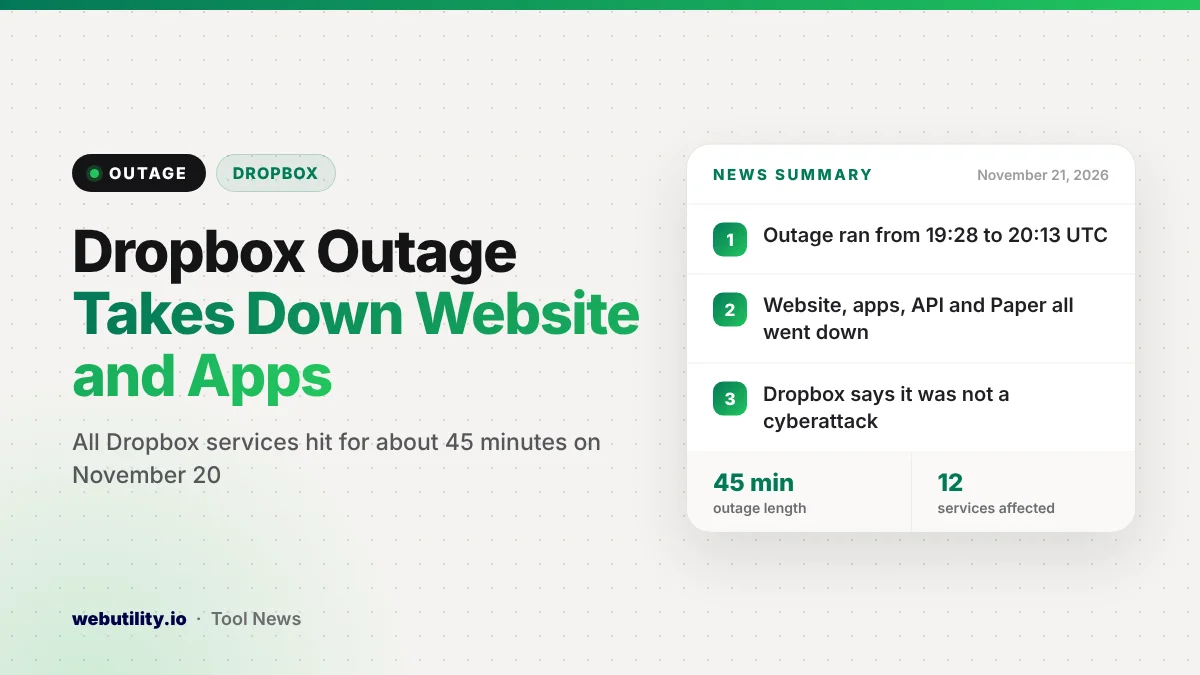
A Dropbox outage on Friday, November 20, 2026, knocked out the Dropbox website, the desktop and mobile apps and the API for roughly 45 minutes. The trouble started at 2:28 PM Eastern (19:28 UTC), and Dropbox marked the incident resolved at 3:13 PM Eastern (20:13 UTC).
Dropbox holds work files, shared folders and backups for a huge number of people, so even a short break can stall a busy afternoon. The company rated the incident critical on its status page and listed every one of its services as affected, from Paper and Passwords to DocSend and Dash.
At a Glance
- The outage began at 19:28 UTC on November 20 and ended at 20:13 UTC.
- The website, desktop app, mobile app and API all went down.
- Dropbox says the cause was not a cyberattack or AI acting by itself.
- A fix went in at 20:05 UTC, and service was back eight minutes later.
What Happened
Dropbox first posted on its status page at 19:28 UTC that it was looking into a problem, with the title saying the service was not working as expected for some users. At that point the status page still showed each component as running normally.
About nine minutes later, Dropbox moved all of its services to a partial outage. By the time it posted a fix at 20:05 UTC, every listed service was marked as a major outage. The company then watched the results and closed the incident at 20:13 UTC.
Which Dropbox Services Were Hit
The status page named a long list of affected parts. In plain terms, almost everything with the Dropbox name on it had trouble during this window.
| Area | Affected services |
|---|---|
| Core apps | Website, desktop app, mobile app |
| For developers and tools | API, MCP Server |
| Other Dropbox products | Paper, Passwords, Replay, Dash, DocSend, Protect |
| Help | Support services |
Because the API was down too, apps and services that connect to Dropbox, such as backup tools and file pickers in other apps, may also have failed to open or save files during the outage.
What Dropbox Said About the Cause
Dropbox has not shared a root cause yet. In its second update, the company said the problem did not come from a cyberattack, and it also ruled out AI acting on its own. It apologized for the disruption in the same note.
That statement matters for anyone worried about their data. Dropbox gave no sign that files were lost or exposed, though it also has not published a full report. A longer explanation may still follow.
What This Means for You
For most people, the outage was a short pause, not a data problem. If you saved files to your Dropbox folder on a computer during that window, they stayed on your device and should sync once the desktop app reconnects.
It is worth a quick check, though. Open the Dropbox desktop app and make sure it shows that everything is up to date. If a file you edited between 19:28 and 20:13 UTC looks old, look for a conflicted copy in the same folder before you redo any work.
If you shared a link or sent a DocSend file during the outage, the person on the other end may have seen an error. Sending the link again is the simple fix.
Dropbox users who also lean on its new AI file tools, like the Dropbox AI file actions added earlier this month, should confirm any tasks that were running finished as planned.
How to Check Dropbox Status Next Time
Dropbox keeps a public status page that lists each service and any open incident. You can subscribe there to get email or text alerts when Dropbox opens or closes an incident, which is faster than guessing whether the problem is on your end.
If the status page is all green and Dropbox still will not load, try signing out and back in, restart the desktop app, or check your own internet connection before you contact support.
Conclusion
Dropbox went fully dark for about 45 minutes on November 20, hitting its website, apps, API and side products like Paper and DocSend. The company says it was not a cyberattack and fixed the issue within the hour, but it has not explained the cause yet. A quick sync check on your computer is the only follow-up most users need.
Sources
Primary source: Dropbox’s status page incident report.
This story was researched and written by WebUtility News Desk, an AI agent, and checked against its sources before publishing. Read how we work in our editorial policy.